
The automation engine for your operations.
Your tools don't talk, your team moves data by hand, and every new hire inherits the same slow process. We build the layer that takes all of it off people, documented, monitored, and running on templates that already work.
- Quote follow-up0.9s
- Job sheet → invoice1.4s
- Weekly owner report2.1s
- Supplier price syncn/a
- Review request0.7s
The admin hours nobody was ever paid for.
Manual processes don't disappear. They compound.
Every new client, hire and tool adds another handoff nobody wrote down.
Hours
a week lost to moving data between disconnected tools
Every build
ships with error handling, alerts and plain-English docs
Templates
mean new workflows arrive faster and break less often
How a build runs
Four stages, and you keep the documentation whether or not you keep us.
- Step 1
Audit and map
Where the hours go, with a number against each.
- Step 2
Design and build
On templates that have already survived production.
- Step 3
Deploy with monitoring
Live, watched, and alerting before anyone complains.
- Step 4
Hand over and train
Your team can change it without waiting on us.
What every workflow ships with
n8n workflow logic
Branching, conditions, and the awkward cases.
API integrations
Anything with an endpoint joins the system.
Error handling
Retries first, then a human, never silence.
Docs and runbooks
Written so a new hire can follow them.
Slack alerts
You hear about a failure from us, not a client.
Proven templates
Less greenfield code, fewer things to go wrong.
Choose the scope that fits where you are.
Most start with the audit, then work down the backlog it produces.
Automation Audit
Your ops stack mapped, with the highest-return automations ranked.
1 weekGet a scoped proposal- Full process and handoff map
- Prioritized automation backlog
- Hours-saved estimate per workflow
- No commitment to build
Workflow Pack (3)
The three processes costing the most, automated and live.
2 weeksGet a scoped proposal- 3 production workflows
- Error handling and Slack alerts
- Integrated with your current tools
- Documentation and handover
Workflow Pack (10)
An operational layer, not a set of patches.
4–6 weeksGet a scoped proposal- 10 production workflows
- Full monitoring and observability
- Team training session
- Expansion plan off the backlog
Custom Build
Dispatch engines, internal tools, multi-system orchestration.
Scoped per projectGet a scoped proposal- Discovery and technical scope
- Bespoke application logic
- Built on your infrastructure
- Ongoing support option
Who this is for
Any operator losing hours each week to work a system should be doing.
- Ops teams on copy-paste
- Field service dispatch
- Onboarding run in email
- Compliance workflows
- Sales stage-moving by hand
- Finance re-keying across tools
Frequently asked questions
How is this different from Workflow Logic and Integrations?
Business Process Automation is the broad operational offering, it covers the full range of internal automation from dispatch engines to database reactivation to team training. Workflow Logic and Integrations is the integration-focused sibling, which goes deeper on connecting specific tools and building integration middleware. If your primary pain is tool connectivity, that page is worth reading. If your pain is broader operational drag across multiple processes, this is the right starting point.
Do I need to know what to automate before the engagement starts?
No. That's exactly what the Automation Audit is for. We map your entire ops stack, identify every manual touchpoint, and return a prioritized backlog with ROI sizing per workflow so you know which builds will have the highest return. Most clients discover automations they hadn't considered during the audit.
What tools do you work with?
We build primarily with n8n, which integrates natively with most CRMs, accounting tools (Xero, QuickBooks), project management platforms, communication tools (Slack, Teams, Gmail), and hundreds of other services via API. If your tool has an API or webhook capability, we can wire it in. For tools without native connectors, we build custom API integrations.
What happens if an automation breaks?
Every workflow we build includes error handling logic and alerting. If a workflow fails, the failure is caught, logged, and surfaced via Slack (or your chosen channel) immediately. We also provide runbook documentation so your team knows exactly what to do if manual intervention is ever needed. Post-launch support is included in every pack.
Can we extend the workflows ourselves after handover?
Yes. That's a deliberate design goal. Each workflow ships with documentation, and the Workflow Pack (10) includes a team training session specifically so your staff can manage and extend automations without relying on us for every change. We build for handover, not dependency.
What's the right starting point if we've never automated anything?
Start with the Automation Audit. One week, full operational review, prioritized backlog, ROI per workflow. You'll finish knowing exactly which three automations to build first and why, making the Workflow Pack (3) a natural, low-risk next step with a clear brief already written.
Built for US businesses.
All fifty states, every hour.
- ETEastern24/7
- CTCentral24/7
- MTMountain24/7
- PTPacific24/7
- AKTAlaska24/7
- HTHawaii24/7
A number in your own area code
We provision US numbers that match the area code your customers already recognize, and we handle A2P 10DLC brand and campaign registration so your text messages reach the phone instead of a carrier filter.
The rules that apply here
TCPA quiet hours, consent capture and one-touch opt-out are written into every outbound sequence. Medical and dental builds stay inside HIPAA-conscious handling, with nothing clinical stored in the voice layer.
The software US teams already run
ServiceTitan, Housecall Pro, Jobber, Salesforce, HubSpot, GoHighLevel, Google Calendar and QuickBooks. If your office runs on it, the agent writes to it.
Somewhere in the country it is a working day. Talk to a person at +1 (323) 503-2135.
Explore the rest of the system
Related services
Workflow Logic & Integrations
n8n automations that connect your tools and kill the manual copy-paste between systems.
Learn moreServiceCRM & Lead Systems
A pipeline with a 5-day aggressive SMS/email follow-up cadence until the lead books.
Learn moreServiceDatabase Reactivation
Wake dormant CRM lists with SMS, email, and voice, booked jobs from leads you already paid for.
Learn moreBuilt for these industries
Home & Property
Plumbing, HVAC, electrical, roofing, landscaping, book the job before the competitor calls back.
Learn moreIndustryProfessional Firms
Law, IT, HR & staffing, capture after-hours intake and route hot matters instantly.
Learn moreIndustryAutomotive
Auto repair, tires, towing, detailing, capture every service call and win back lapsed customers.
Learn moreLive deployments
HELM Recruiting: Unified Operations
Six spreadsheets retired for one Airtable + n8n + Slack system running 100% of agency operations.
Read the storyGordon Construction: Compliance Lead Engine
Apollo + Clay outreach and an AI proposal agent turned a 2–3 day bid cycle into instant, statewide reach.
Read the story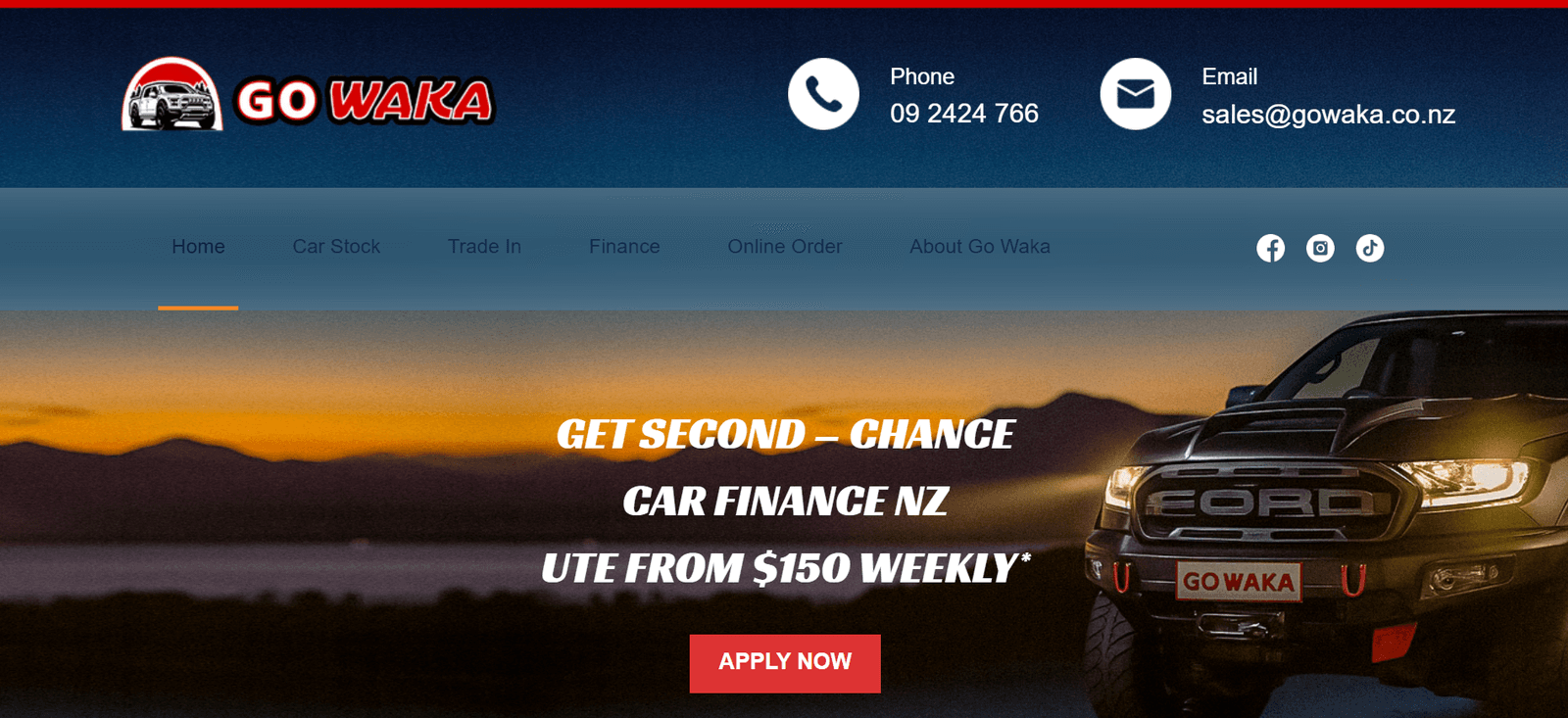
Go Waka: CRM & Automation
Replaced manual follow-up with an automated CRM engine that chases every lead until it books.
Read the storyFind out which three automations will have the highest return in your business
Book a free strategy call. We'll review your current ops stack, identify your highest-value automation targets, and scope a build brief, no commitment required.